QR codes are useful at work. They help teams open menus, sign in to services, join events, confirm deliveries, or reach a support page quickly. However, a QR code can also hide the real web address until the person scans it. That small delay is exactly why attackers now use QR codes in phishing emails, posters, invoices, and fake sign-in messages.
This does not mean every QR code is dangerous. It means we should treat a QR code like any other link. Before scanning, slow down for a few seconds and check the context. A simple pause can protect work accounts, payment details, customer information, and personal devices.
Why QR Code Safety Matters at Work
QR code phishing, sometimes called quishing, works because the link is hidden inside an image. A normal email filter may inspect visible links, but a QR code can push the user to scan with a phone. On a mobile screen, people often have less space to review the sender, the address, and the full sign-in page.
Microsoft has explained how attackers use QR codes to hide malicious destinations and imitate familiar sign-in or verification workflows in its Microsoft Security Blog guidance on QR code phishing. The UK National Cyber Security Centre also advises caution with QR codes in emails and public spaces in its NCSC guidance on QR code risk.
Common Places Where Risk Appears
Most risky QR codes do not look dramatic. They usually appear in normal business situations. For example, a message may ask you to scan a code to view a document, confirm a delivery, approve a payment, join a meeting, or reset a password. A printed QR code may also appear on a noticeboard, parking sign, event desk, or reception counter.
The risk increases when the request is unexpected, urgent, or linked to a login page. It also increases when the QR code asks for a password, MFA approval, bank detail, or company file access. If the scan moves you from a work email to a personal phone, you may lose some of the protections that company-managed systems provide.
A Simple Check Before You Scan
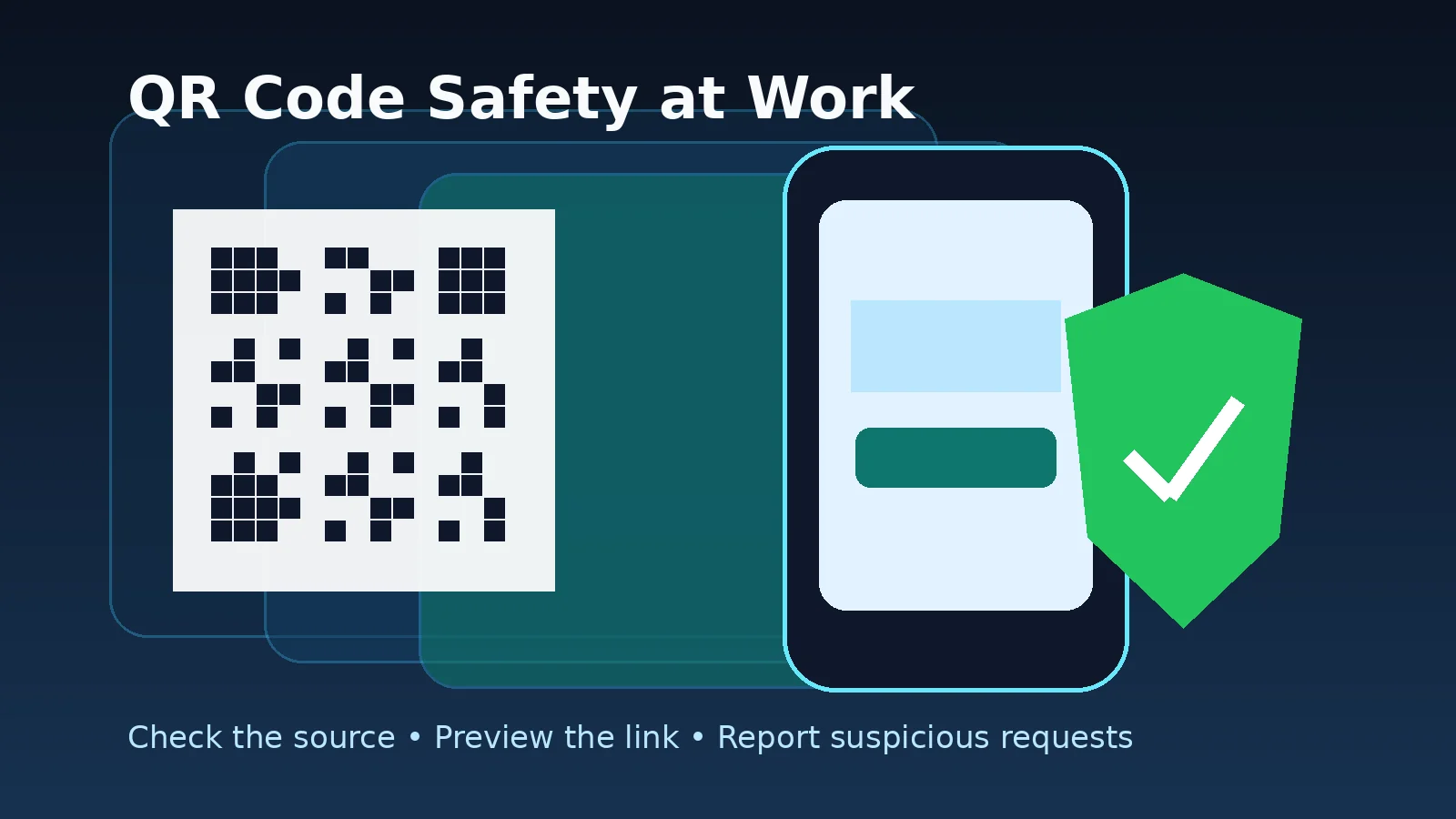
Use this quick check before scanning a QR code at work:
- Check the source. Was the email, poster, invoice, or message expected?
- Check the reason. Does it make sense for this task to use a QR code?
- Check the destination. After scanning, review the previewed link before opening it.
- Check the request. Be careful if the page asks for passwords, MFA approval, payment details, or personal information.
- Check with IT. If the request involves a work account or company data and something feels unusual, stop and report it.
This is the same practical mindset used in Microsoft 365 sign-in safety habits. A fake QR code often tries to move you toward a fake login page. If the sign-in request was not expected, do not enter your password and do not approve an MFA prompt.
What Employees Should Do
For work accounts and company systems, employees should focus on safe behaviour rather than technical settings. Do not try to investigate suspicious links yourself. Do not forward the message widely. Do not approve unexpected sign-in prompts. Instead, capture the basic context and report it through the normal IT or security channel.
If a QR code asks you to install an app, download a file, enter company credentials, or approve access to email or cloud files, stop first. A trusted business process should not pressure you to bypass normal controls. When in doubt, open the official website manually or contact the sender using a known, separate channel.
What IT and Security Teams Should Review
IT teams should combine awareness with controls. Email security tools, safe link inspection, attachment scanning, phishing reporting, identity monitoring, and phishing-resistant authentication all help reduce risk. CISA’s CISA phishing guidance also highlights the importance of user training, reporting, and stronger credential protection.
Where possible, high-risk users should move toward stronger authentication methods. Moeenism’s article on passkey safety for work accounts explains why passwordless or phishing-resistant sign-in methods can reduce the impact of fake login pages. Still, even strong authentication needs clean recovery methods, device discipline, and fast reporting.
Practical QR Code Safety Checklist
- Scan only when the request is expected and relevant.
- Use the phone’s built-in camera or QR scanner instead of unknown scanner apps.
- Review the destination link before opening it.
- Avoid entering work passwords after scanning a QR code from an email.
- Never approve an MFA request that you did not start.
- Do not provide payment, personal, or company information unless the destination is verified.
- Report suspicious QR codes in emails, posters, invoices, or chat messages.
Final Thoughts
QR codes are convenient, and they will remain part of daily work. The safer approach is not to avoid them completely. The better approach is to scan with discipline. Check the source, check the destination, and stop if the request asks for sensitive information in an unexpected way.
A few seconds of checking can prevent a risky sign-in, a wrong payment, or a compromised work account. That is practical QR code safety at work.