QR codes are now part of normal business life. People use them to open menus, join Wi-Fi, register for events, pay invoices, install apps, and sign in to services. That convenience is useful, but it also creates a quiet risk: the destination is hidden until someone scans the code.
A QR code is not dangerous by itself. The risk is where it sends the person after scanning. If the code opens a fake login page, a payment page, a file download, or a consent prompt, the user may not notice the problem until information has already been shared.
This is why QR code safety belongs in everyday cybersecurity awareness. It supports the same practical habits discussed in Cybersecurity Awareness: Safeguarding Your Business in the Digital Age: pause, verify, and report when something does not feel right.
Why QR Codes Need a Second Look
A normal web link can be read before someone clicks it. A QR code hides the link inside a pattern. Many people scan first and think later, especially when the code appears on a poster, invoice, email attachment, delivery notice, or meeting room sign.
Attackers use this behavior. They may place a QR code in an email that claims a password is expiring. They may add one to a fake invoice. They may put a sticker over a real public QR code. They may also use a code to move the user from a protected work computer to a personal phone, where company security controls may be weaker.
CISA explains that social engineering attacks use human interaction to trick people into taking unsafe actions. Microsoft also advises users to treat suspicious messages and unexpected links carefully. QR code phishing follows the same pattern. It simply hides the link behind a scan.
Where QR Code Risk Appears at Work
QR code risk often appears in ordinary places. That is what makes it easy to miss.
1. Unexpected email or document codes
Be careful when an email, PDF, invoice, or shared document asks you to scan a QR code to verify an account, update a password, approve a payment, or read a secure message. If the request was not expected, do not scan first. Check the sender and report it to IT or the responsible team.
2. Fake Microsoft 365 or business login pages
A QR code can open a page that looks like a familiar sign-in screen. The page may ask for a username, password, OTP, or approval. If a scan leads to a login page, stop and check the web address. This connects directly with How to Prevent Costly Microsoft 365 Breaches Now, where safe sign-in habits protect the business before account misuse begins.
3. Public posters and replaced stickers
QR codes in public spaces can be replaced or covered. This matters for parking payments, event registration, restaurant menus, delivery notices, and visitor sign-in pages. If a code looks damaged, pasted over, or out of place, use the official website or ask staff instead of scanning it.
4. App consent and permission prompts
Some QR codes lead to an app approval page. Before approving, read what access the app wants. If the app asks to read mail, files, calendars, or contacts without a clear reason, stop. The safer habit is explained in The Practical Guide to Safe App Consent: permission prompts deserve attention before approval.
Simple QR Code Safety Rules
Preview the destination before opening
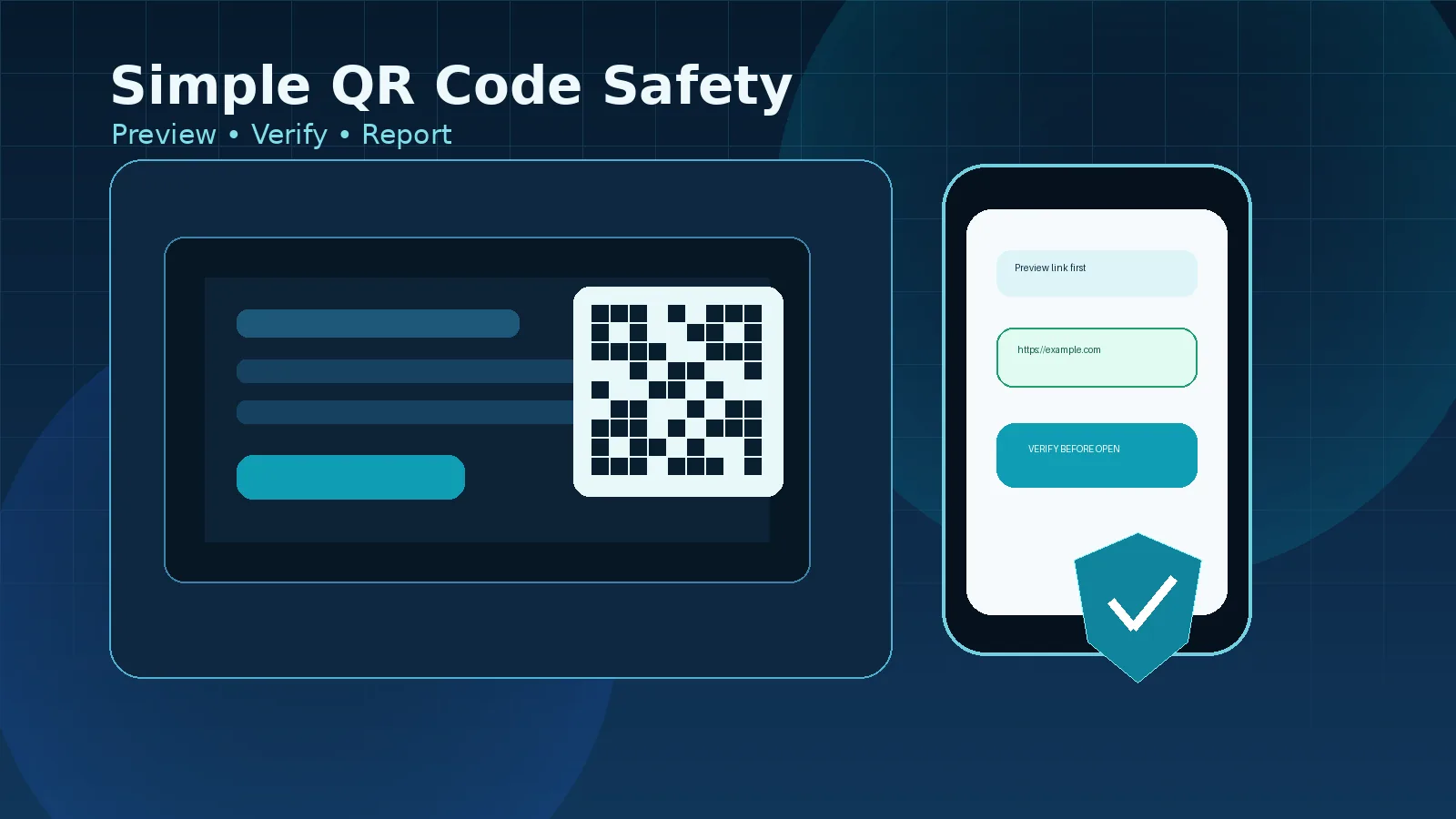
Most phone cameras show a preview of the link before opening it. Read the domain first. If the address looks shortened, misspelled, unusual, or unrelated to the task, do not continue.
Use the official route when money or login is involved
If the QR code asks for payment, banking details, password reset, Microsoft 365 sign-in, or business approval, avoid using the code as the only route. Open the official website from your browser, bookmark, company portal, or approved app.
Do not enter passwords or OTP codes from a scan
A scan should not pressure you to share passwords, OTPs, recovery codes, or approval prompts. If the page asks for sensitive details after an unexpected scan, close it and report it.
Be careful with QR codes on personal phones
A personal phone may not have the same protection as a managed work device. If company data, work login, or business approval is involved, use approved company systems and follow the company process.
Report suspicious codes quickly
Do not worry about being wrong. Reporting early helps IT check the link, warn other users, and remove unsafe posters, emails, or files before someone else is affected.
A Quick Workplace Checklist
Use this short checklist before scanning a QR code:
- Was I expecting this QR code?
- Do I trust the source?
- Does the link preview match the organization or service?
- Is the code asking me to sign in, pay, download, or approve access?
- Can I use the official website or company portal instead?
- Should I ask IT or the business owner before continuing?
If one answer feels uncertain, pause. A short delay is better than giving access to the wrong page.
Final Thoughts
QR codes are useful, and they should not be treated with fear. The better approach is simple discipline. Preview the link, verify the source, avoid sensitive actions from unexpected scans, and report anything suspicious.
Good cybersecurity does not depend only on tools. It also depends on small decisions made during normal work. QR code safety is one of those small decisions that can prevent a much larger problem.