
AI agents enterprise teams need more than another dashboard. They need a work layer that can read context, choose the next step, and act safely. That is why agents now look like a new operating system for business. They connect apps, move routine work, and ask people to judge the hard cases.
Introduction
Reason 1: AI agents enterprise becomes the new operating layer for work
An operating system does three simple jobs. It gives programs a place to run. A system shares resources. It keeps work moving when many tasks compete at once. Today, most companies still make people do that job across sales, service, finance, and IT tools.
For an AI agents enterprise plan, the agent becomes that work layer. It reads a signal, checks the right data, decides the next safe action, and records what happened. As a result, people do less copy, paste, chase, and check work. They spend more time on judgment.
This does not mean agents replace teams. Instead, agents take over slow handoffs. A person still sets the goal, approves risk, and reviews exceptions. However, the agent handles the repeat steps that make modern work feel so heavy.
Reason 2: AI agents enterprise routing moves work before queues grow
The first win is routing. A support request, sales lead, invoice, or change request should not sit in a queue while someone finds the owner. An agent can read the request, match it to rules, and send it to the right place.
For example, an AI agents enterprise workflow can check a customer message, find the product area, read past answers, and suggest a reply. If the message is simple, the agent can close it with a record. When it is risky, the agent can ask a person to review it first.
Therefore, the team gets speed without losing control. The agent does the sorting. People handle the judgment. This is the same job an operating system does when it schedules tasks for a computer.
Reason 3: AI agents enterprise stack connects apps without more meetings
Most companies already own many useful tools. Often, the problem is not a lack of software. The issue is that each tool keeps its own data, forms, and alerts. Because of that, teams often hold meetings just to move facts from one system to another.
An AI agents enterprise stack can pull data from the CRM, help desk, knowledge base, and finance tool. Then it can create a short summary and propose the next step. In addition, it can leave a clear audit trail, so a manager can see why the action was taken.
However, this only works when access is narrow. Give each agent the least data and power it needs. Also, log every action. Simple guardrails matter more than flashy demos.
AI agents enterprise policy: turn rules into daily action
Policies often live in documents. People read them once and forget the details. Agents can make policy active. They can check a request against a rule, flag a missing field, or ask for approval before a risky step happens.
For example, a travel agent can check spend rules before it books a trip. Finance agents can flag a strange invoice before payment. Security agents can remind a user to remove private data before sharing a file. Consequently, the policy helps at the moment of work.
Reason 4: agents make managers better, not busier
Managers lose hours to status checks. They ask what changed, who owns the next step, and where the blocker sits. Agents can gather those answers before the meeting starts. Then leaders can focus on decisions, coaching, and tradeoffs.
Most importantly, an AI agents enterprise program should protect human choice. Agents should show evidence, options, and risk. Then a manager can approve the path. This keeps the system useful without turning it into a black box.
Reason 5: agents create a safer path to automation
Old automation often broke when a screen changed or a rule shifted. Agents can be more flexible because they understand plain language and context. Still, they need limits. A good agent should know when to stop, ask, and explain itself.
This is why the best AI agents enterprise projects start small. Pick one workflow with clear rules. Measure time saved, error rate, and review quality. Next, expand only after the team trusts the result.
AI agents enterprise rollout: a practical model
Use a simple rollout path. First, map the workflow. Then decide which steps an agent may do alone. After that, define the steps that need human approval. Finally, review the logs each week and tune the rules.
Key takeaways
- AI agents enterprise work best when they handle repeat steps, not vague goals.
- Start with one workflow that has clear rules and visible pain.
- Keep human approval for costly, sensitive, or unusual actions.
- Use logs, narrow access, and weekly review as basic safety checks.
- For more practical guardrails, see these simple safety rules for AI at work.
What to do next
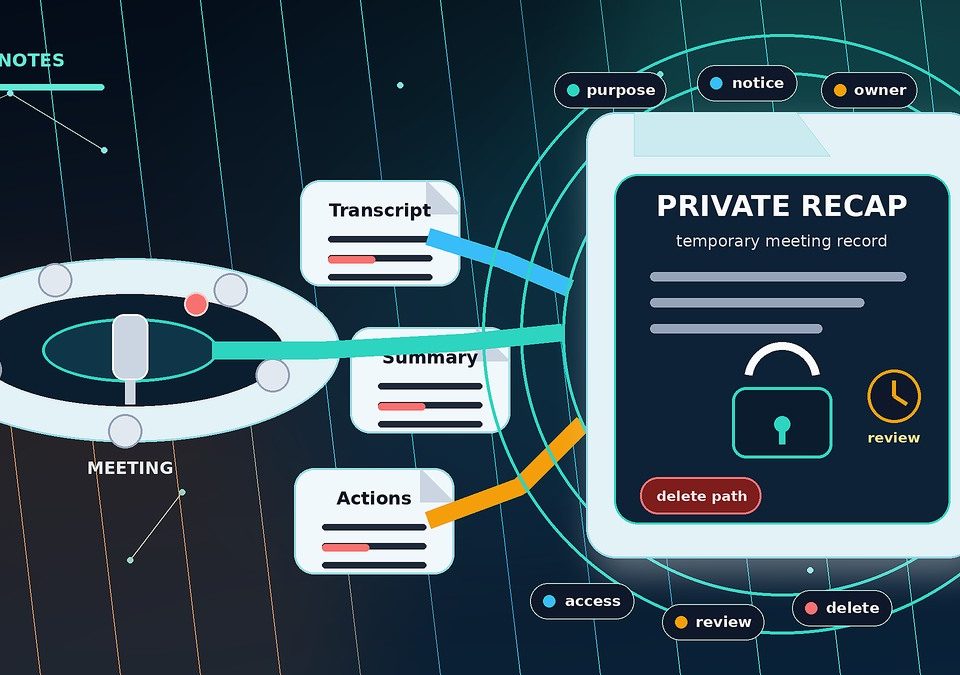
If you want to test agents, choose a workflow with low risk and high volume. For example, start with meeting notes, support triage, invoice checks, or weekly reporting. Then write the rule for success in one sentence. If the team cannot explain the goal simply, the agent will not fix it.
Next, use an AI agents enterprise pilot to learn, not to impress. Compare the agent output with a human review. Track the gaps. Then decide whether to expand, pause, or redesign the workflow. If you need a broader checklist, this guide to safe automation checks for business teams is a useful companion.

Frequently asked questions
What does AI agents enterprise mean?
AI agents enterprise refers to using AI agents as a controlled work layer across business tools. The agent can read context, take safe steps, and ask people to approve risky actions.
How are agents different from chatbots?
A chatbot usually answers a question. An agent can also take a step in a workflow. For example, it can draft a reply, update a record, or ask for approval. However, strong controls should define what it may do.
Is it safe to let agents act in business systems?
It can be safe when the scope is narrow. Limit data access, log each action, and keep human approval for high-risk steps. Also, test with real users before wider rollout.
Which teams should start first?
Start where work is frequent, rules are clear, and risk is modest. Service, sales operations, finance checks, and reporting are good places to test. Then expand only after results are stable.
Sources
- McKinsey — The Economic Potential of Generative AI
- Gartner — Top Strategic Technology Trends
- Harvard Business Review — How AI Will Change the Roles of Managers
Conclusion
AI agents enterprise adoption is not about chasing a trend. It is about giving teams a simpler way to move work across many tools. Start small, keep people in control, and measure the result. Therefore, agents can become a useful operating layer without creating a new risk mess.