Introduction
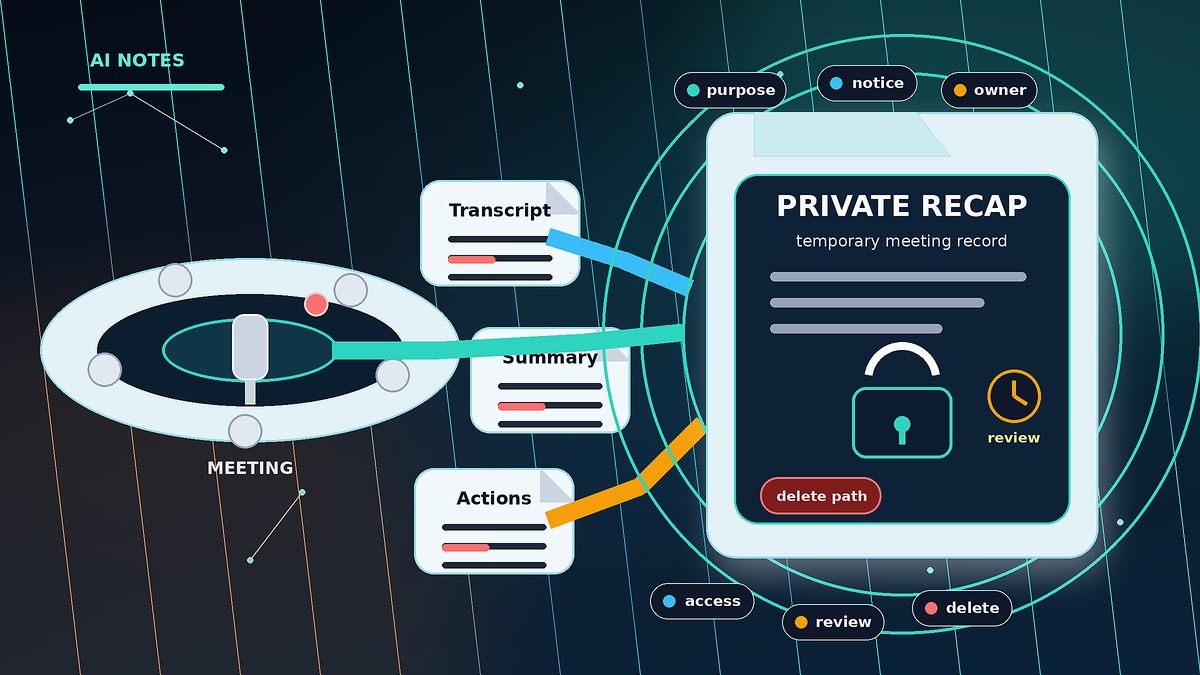
AI meeting notes safety is not only a software setting. It is a record decision. A meeting assistant can turn a casual conversation into a transcript, a summary, a task list, and sometimes a file that outlives the reason the meeting happened.
That can be useful. However, it can also create quiet risk. A team may invite an assistant to save time, then forget to ask who owns the record, who can share it, how long it should stay available, and whether the meeting was suitable for automated notes in the first place.
Moeenism’s position is simple: use AI meeting notes when they improve clarity, but treat every transcript and recap as a temporary record with a named purpose, owner, access boundary, review date, and deletion path.
What standard guidance gets right and still misses
Most tool guidance explains where transcription, recording, recap, and AI assistant features can be turned on. That is necessary. However, feature control is not the full decision.
The missing layer is operating control. A leader must decide when an AI note taker belongs in the room, what it may capture, where the output is stored, and how the record is cleaned up later. Without that layer, the team gains notes but loses control of the record.
This is the same pattern Moeenism has warned about in file sharing safety. A link is not just a link; it is temporary access. In the same way, an AI meeting recap is not just a summary; it is a reusable record.
The Moeenism Meeting Record Rule
Before using an AI assistant in an important meeting, answer six plain questions. If the team cannot answer them quickly, the meeting is probably not ready for automated notes.
Why this rule works
The rule is short enough for small teams to keep. It also separates two decisions that are often mixed together: whether a meeting should have good notes, and whether an AI system should create a reusable record. Those are not the same question.
Where AI meeting notes become risky
AI notes usually create risk through drift, not drama. First, a meeting is recorded because everyone is busy. Then the recap is shared with a wider group. After that, tasks move into another tool. Finally, the old transcript remains searchable long after the decision has passed.
That chain may be harmless for a public training session. However, it can be poor practice for a hiring discussion, a legal review, a security concern, a supplier negotiation, or a personal performance conversation. The safer rule is not to ban AI notes. Instead, decide which meetings deserve automated records and which meetings need human notes only.
The same ownership habit supports Microsoft 365 sign-in safety and browser extension safety. Tools are not the problem by themselves. Unowned access is the problem.
A simple routine small teams can keep
Before the meeting
Decide if the meeting needs an AI record. For example, a project status meeting may benefit from a recap because action items can be missed. However, a sensitive people decision may be better handled with controlled human notes.
If the assistant is used, name the owner. The owner does not need to be senior. The owner only needs to know where the notes go, who can see them, and when the record should be reviewed.
During the meeting
Make the capture visible. Do not let an automated assistant quietly sit in the meeting while people assume the conversation is informal. If a meeting starts to cover sensitive ground, pause the assistant or move that part into a different format.
Also, keep decisions clear. AI recaps can make messy debate look cleaner than it was. Therefore, the chair or owner should confirm final decisions and open action items before the meeting ends. For bigger choices, a separate decision log is still better than relying on a recap.
After the meeting
Review the recap before sharing it widely. Correct obvious errors. Remove material that does not belong in a broad record. Then share the smallest useful version with the smallest useful audience.
Most importantly, set a cleanup rhythm. Once a month, review meeting records linked to active work. Keep records that still support a decision. Archive or delete records that no longer serve a real purpose, based on the team’s policy and any legal requirements that apply.
Mistakes to avoid
Do not treat the AI recap as the official truth without review. Meeting tools can miss context, merge opinions, or make a weak decision sound final.
Do not use one default for every meeting. A sales demo, a training call, a leadership debate, and a private review do not carry the same record risk.
Do not let meeting notes become another unmanaged file-sharing problem. If a transcript is saved as a file or linked record, apply the same access checks used in safe file sharing.
Finally, do not use AI notes to avoid leadership responsibility. The tool can draft the recap. It cannot decide what should be recorded, who should see it, or when the record has served its purpose.
Key Takeaways
- AI meeting notes are records, not just convenience features.
- The main risk is unmanaged access, unclear ownership, and records that live too long.
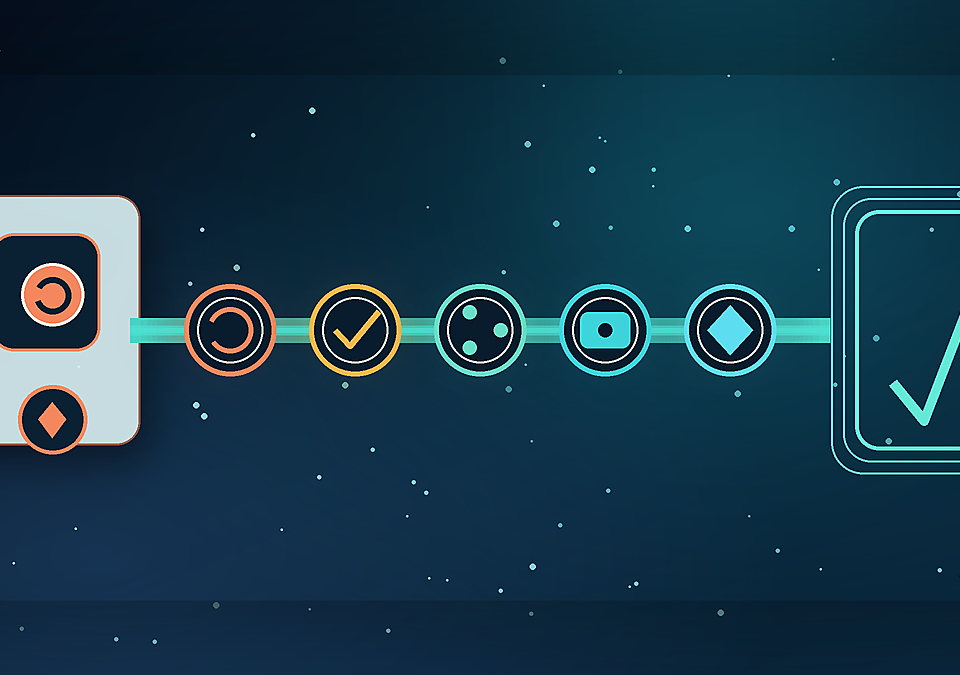
- Use the Meeting Record Rule: purpose, notice, sensitivity, owner, access, and exit.
- Do not auto-capture sensitive meetings by default.
- Review recaps before broad sharing, because AI summaries can sound more final than the discussion really was.
Frequently Asked Questions
Are AI meeting notes unsafe?
No. AI meeting notes can be useful when the purpose is clear and the record is controlled. The unsafe pattern is automatic capture without notice, ownership, access review, or cleanup.
Should every meeting have an AI assistant?
No. Some meetings need a clean action summary. Others need privacy, judgement, or a smaller human note. The decision should depend on purpose and sensitivity.
Who should own AI meeting recaps?
The best owner is usually the meeting chair, project owner, or action owner. The important point is that one person is named before the assistant joins.
How long should transcripts be kept?
That depends on the team’s policy, legal duties, and business need. As a practical rule, temporary work should have a review date instead of being kept forever by default.
Sources
- Microsoft Teams transcription and captions documentation
- Microsoft Teams recording policy documentation
- Zoom AI Assistant / AI Companion information
- NIST AI Risk Management Framework
Conclusion
AI meeting notes are worth using when they make work clearer. However, the benefit should not come from pretending the output is only a harmless summary. It is a record.
The practical move is to slow down before capture, not after a record spreads. If a team can name the purpose, notice, sensitivity, owner, access boundary, and exit path, AI notes can support better work. If it cannot, the safer answer is simple: take human notes, keep them controlled, and do not create a record the team is not ready to own.