Cloud apps make daily work easier. They help people sign in, share files, automate tasks, and connect services. However, every app permission prompt deserves a careful look before anyone approves it.
A sign-in page may look normal. The app name may sound useful. Yet the permission request can still ask for access to email, files, calendars, contacts, or profile information. If the wrong app receives that access, the risk can move beyond one user account.
This article explains safe app consent in simple terms. It is written for professionals who use Microsoft 365, cloud apps, and online tools at work.
What App Consent Means
App consent is the approval a user or administrator gives to an application. That approval allows the app to access certain account or business data.
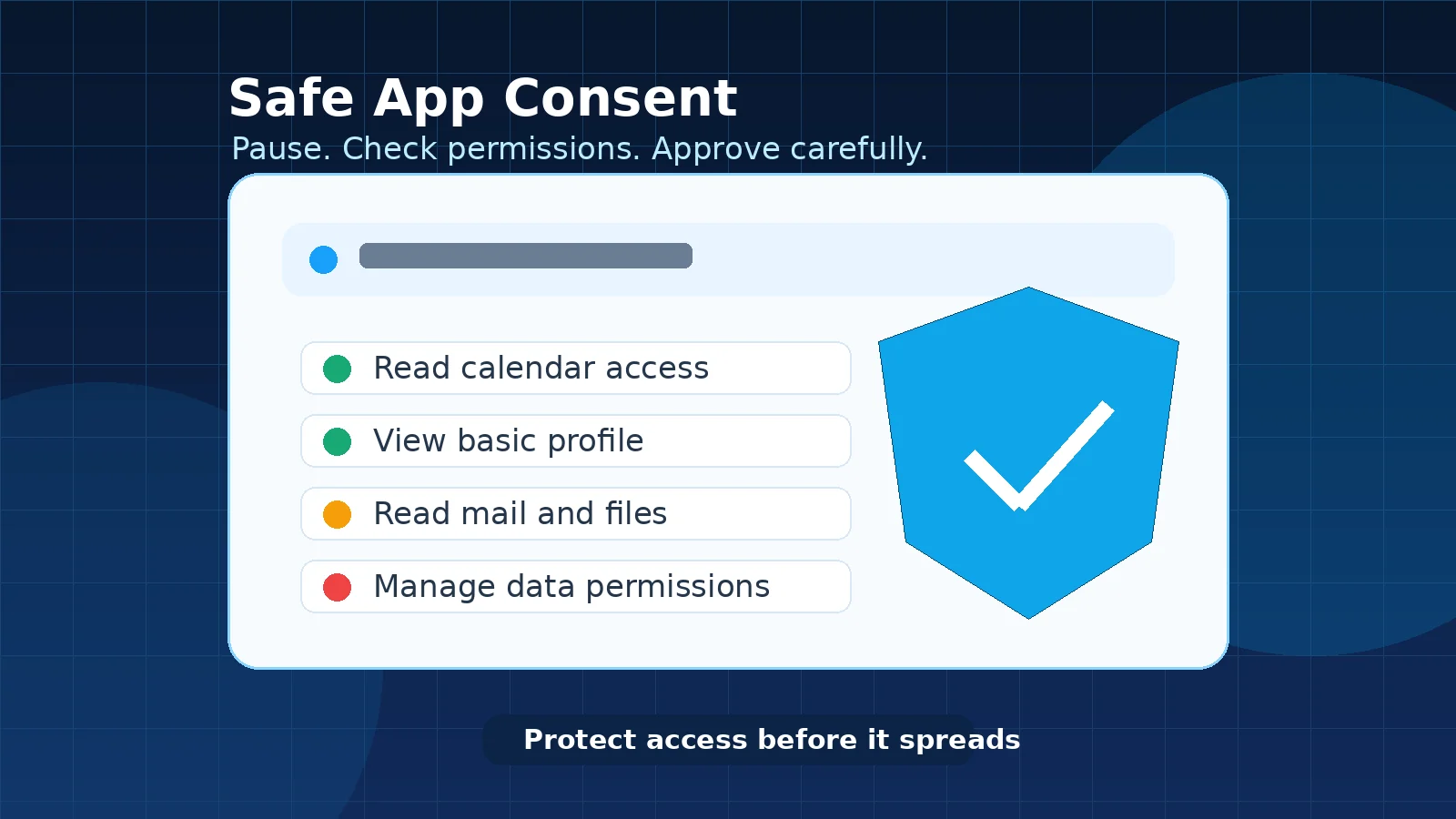
For example, a meeting tool may request calendar access. A reporting tool may request file access. A sign-in helper may request profile access. Some requests are normal and useful. Others are too broad for the work being done.
The important question is simple: does this app need this level of access to do its job?
Why App Consent Needs Attention
Attackers do not always need a password if they can trick someone into granting access to a harmful or fake app. Microsoft explains this risk in its guidance on consent phishing, where a user is encouraged to approve permissions for an app that later abuses that access.
This is why safe sign-in habits and safe consent habits belong together. If you have already read Moeenism’s guide on how to prevent costly Microsoft 365 breaches, treat app consent as the next layer of the same protection mindset.
Common Warning Signs
- The app asks for more access than expected.
- The app name is unfamiliar or slightly misspelled.
- The request appears after clicking a link in an unexpected email or message.
- The app asks to read or manage mail, files, contacts, or calendars without a clear reason.
- The approval page creates pressure to act quickly.
- The app is not part of an approved business process.
None of these signs automatically prove that an app is harmful. However, they are good reasons to stop and ask IT or the system owner before approving.
A Simple Safe Consent Checklist
Use this checklist before approving access to any work-related app.
1. Check why the app needs access
A real business app should have a clear purpose. If the app only needs to schedule meetings, it should not need broad access to email or files.
2. Check who provided the link
Be careful when a consent prompt starts from an unexpected email, chat message, QR code, or shared document. Open approved tools from known company portals or official vendor pages where possible.
3. Read the permission wording
Do not click approve only because the page looks familiar. Read what the app wants to do. Words such as read, write, manage, send, delete, or access all files should be treated seriously.
4. Use approved company tools
For company work, use approved systems and approved integrations. If a new tool is needed, follow the company review process instead of connecting it directly to business data.
5. Ask before approving broad access
If the request feels unusual, stop. Ask IT, the application owner, or your manager. A quick check is better than giving a risky app long-term access.
Where IT Teams Should Focus
For IT and cybersecurity teams, app consent safety is not only a user awareness topic. It also needs governance.
Useful controls include reviewing enterprise applications, limiting user consent where suitable, monitoring risky permissions, removing unused app access, and documenting who can approve high-impact integrations.
This is also connected to safe automation. Moeenism’s article on simple safe automation checks for business teams explains why access, ownership, logging, and rollback matter before any tool is connected to business workflows.
Practical Example
Imagine an employee receives a message about a new productivity add-in. The link opens a sign-in page and asks for permission to read mail and files. The employee only expected a small calendar feature.
The safer response is not to approve it immediately. The employee should confirm whether the tool is approved, whether the permission request is normal, and whether IT has reviewed it. This keeps the decision calm and controlled.
Mistakes to Avoid
- Do not approve an app because the login screen looks familiar.
- Do not ignore broad permissions on work accounts.
- Do not connect personal tools to company data.
- Do not use unapproved AI, automation, or file-sharing tools for business information.
- Do not assume that removing a browser tab removes app access.
For AI-related work, also review Moeenism’s guide on simple secure AI prompt rules for work. AI tools can be useful, but they still need clear boundaries around company data and account access.
Final Thoughts
Safe app consent is a small habit with a strong impact. It helps protect email, files, customer information, business workflows, and trust.
Before approving an app, pause and check the purpose, permissions, source, and approval path. If anything looks unusual, ask first. That simple step can prevent a much larger access problem later.
References and Further Reading
- Microsoft Learn: Protect against consent phishing
- CISA: Secure Cloud Business Applications project